Quick Answer
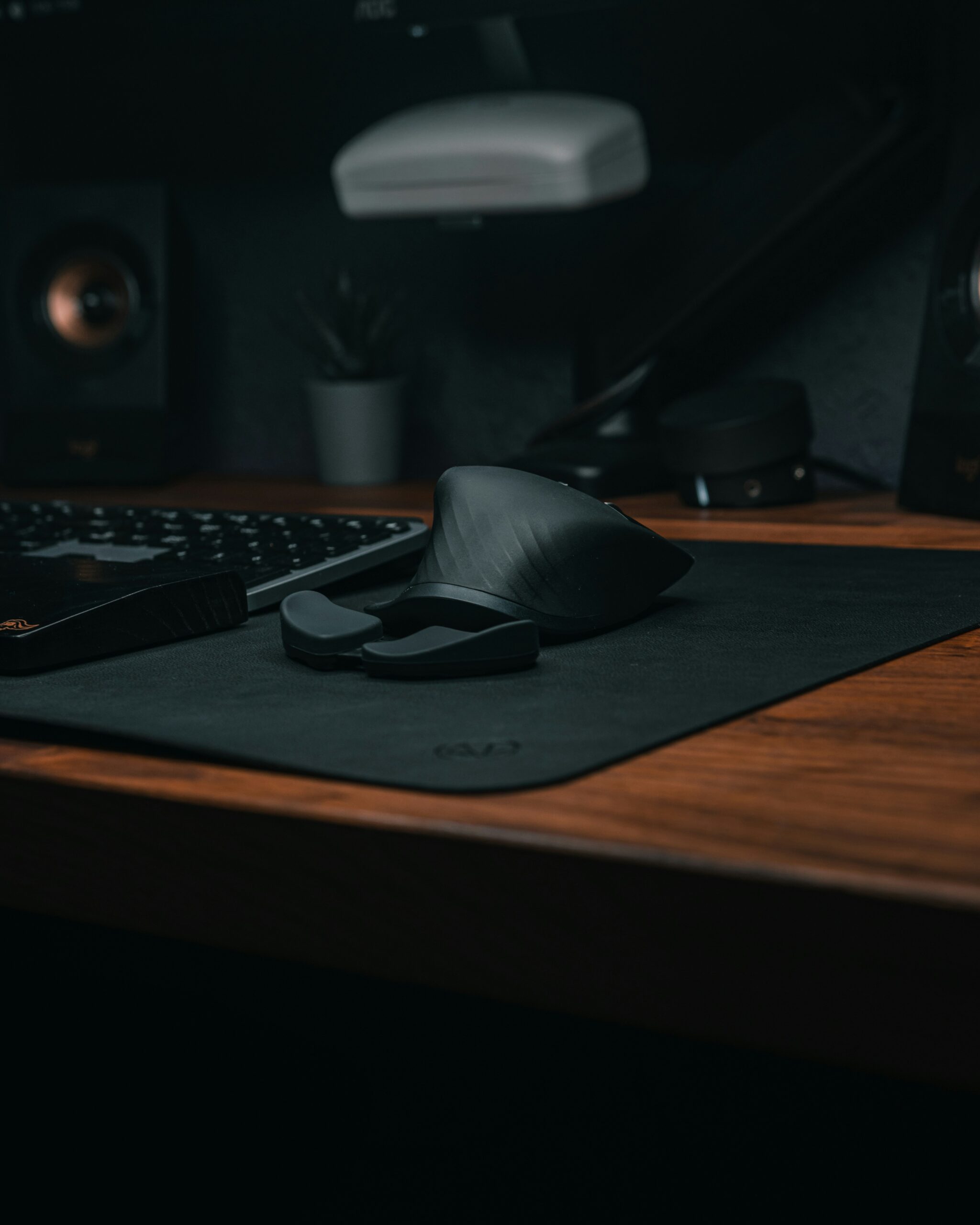
The LEKVEY Vertical Wireless Mouse is a value-focused ergonomic mouse designed around a vertical, handshake-style grip. Its main appeal is the combination of a rechargeable battery, quiet primary clicks, six buttons and a simple 2.4GHz wireless connection.
It is most compelling for right-handed remote workers who want to try a vertical mouse without moving into premium pricing. The main qualification is fit: the body is relatively substantial, so smaller hands should consider a more compact model.
What We Found
Ergonomic shape
The vertical orientation is intended to reduce the palm-down rotation associated with conventional mice and encourage a more neutral hand position.
Rechargeable battery
The built-in battery removes the need for disposable cells and makes the mouse convenient for a home or mobile workspace.
Quiet controls
The primary buttons are designed for lower-noise use, which can be useful in shared offices, libraries and late-night workspaces.
Simple connectivity
The mouse uses a USB wireless receiver and is designed for plug-and-play use without requiring specialist software.
Comfort and Hand Fit
Vertical mice change the way the hand approaches the pointer. Instead of resting flat over the shell, the hand wraps around a taller body in a handshake-like position. That can feel more natural for some users, but it is not automatically better for every hand.
Available user feedback consistently points to the LEKVEY being more comfortable for medium-to-large hands than very small hands. If your fingers struggle to reach the buttons without stretching, the ergonomic benefit can quickly disappear.
Give yourself an adjustment period when moving from a conventional mouse. The change in wrist and forearm position can feel unusual at first even when the overall fit is good.
Features That Matter for Remote Work
Rechargeable design
The rechargeable battery is one of the practical advantages of the LEKVEY. It reduces battery-management overhead and makes the mouse easier to keep ready for daily work.
Six-button layout
In addition to the primary buttons and scroll wheel, the side controls can make browser navigation and document-heavy workflows more convenient.
DPI selection
The mouse offers three DPI settings—800, 1200 and 1600—providing basic sensitivity choices for general productivity.
2.4GHz wireless
The USB receiver provides a straightforward wireless connection. The trade-off is that it occupies a USB port and does not provide Bluetooth as an alternative.
What User Feedback Suggests
Across available buyer feedback, comfort, quiet clicks, straightforward setup and value are recurring positives. Some owners also praise customer support when problems occur.
The recurring cautions are equally useful: some users report scroll-wheel problems over time, occasional connection or wake-up frustrations, and a body that can feel too large for smaller hands. These are patterns to consider rather than guarantees about every unit.
Strengths and Considerations
Strengths
- Vertical handshake-style grip
- Rechargeable battery
- Quiet primary clicks
- Six-button layout
- Simple plug-and-play setup
- Competitive value
Considerations
- May be too large for small hands
- No Bluetooth fallback
- Scroll-wheel complaints appear in some feedback
- Limited customization compared with premium mice
- Requires adjustment if you are new to vertical mice
Who Should Buy It?
The LEKVEY makes the most sense for a right-handed remote worker, student or desk-based professional who spends long periods using a mouse and wants to experiment with a vertical design at a lower price point.
It is particularly attractive if quiet clicks, rechargeable power and straightforward setup matter more than advanced software or multi-device connectivity.
Who Should Look Elsewhere?
Consider another model if you have small hands, require Bluetooth, want extensive button remapping, or expect premium scroll-wheel and construction quality. A more compact vertical mouse may also be a better starting point for users who find the LEKVEY’s body too large.
LEKVEY vs. a Premium Vertical Mouse
| Factor | LEKVEY | Premium vertical mouse |
|---|---|---|
| Price positioning | Budget/value | Higher |
| Grip | Vertical / handshake-style | Usually vertical |
| Charging | Rechargeable | Model dependent |
| Connectivity | 2.4GHz receiver | Often Bluetooth + receiver |
| Software | Limited | Often more extensive |
| Best reason to choose | Affordable ergonomic entry point | Refinement and customization |
Original Product Media
Images and video retained from the original LaptopSage review.

Final Verdict
The LEKVEY Vertical Wireless Mouse is best understood as an accessible entry point into ergonomic pointing devices. Its vertical grip, rechargeable battery, quiet primary clicks and simple wireless setup give it a useful feature set without moving into premium pricing.
The biggest decision is fit. If your hand is comfortable around its relatively large body, the LEKVEY offers a sensible combination of comfort and value. If you have smaller hands or want Bluetooth and deeper customization, a different vertical mouse is likely the better choice.
Affiliate Disclosure
LaptopSage may earn a commission when readers purchase through qualifying links. This does not increase the price you pay and does not determine our editorial conclusions.

I’m Emmanuel Joatham, a remote work product researcher with 6+ years of experience testing laptops and accessories from my home office.